Shows the next step
The application type and document status determine which action appears next.
 Financial Connect TechnologiesStart the sandbox
 ITIN Connect · Early Access
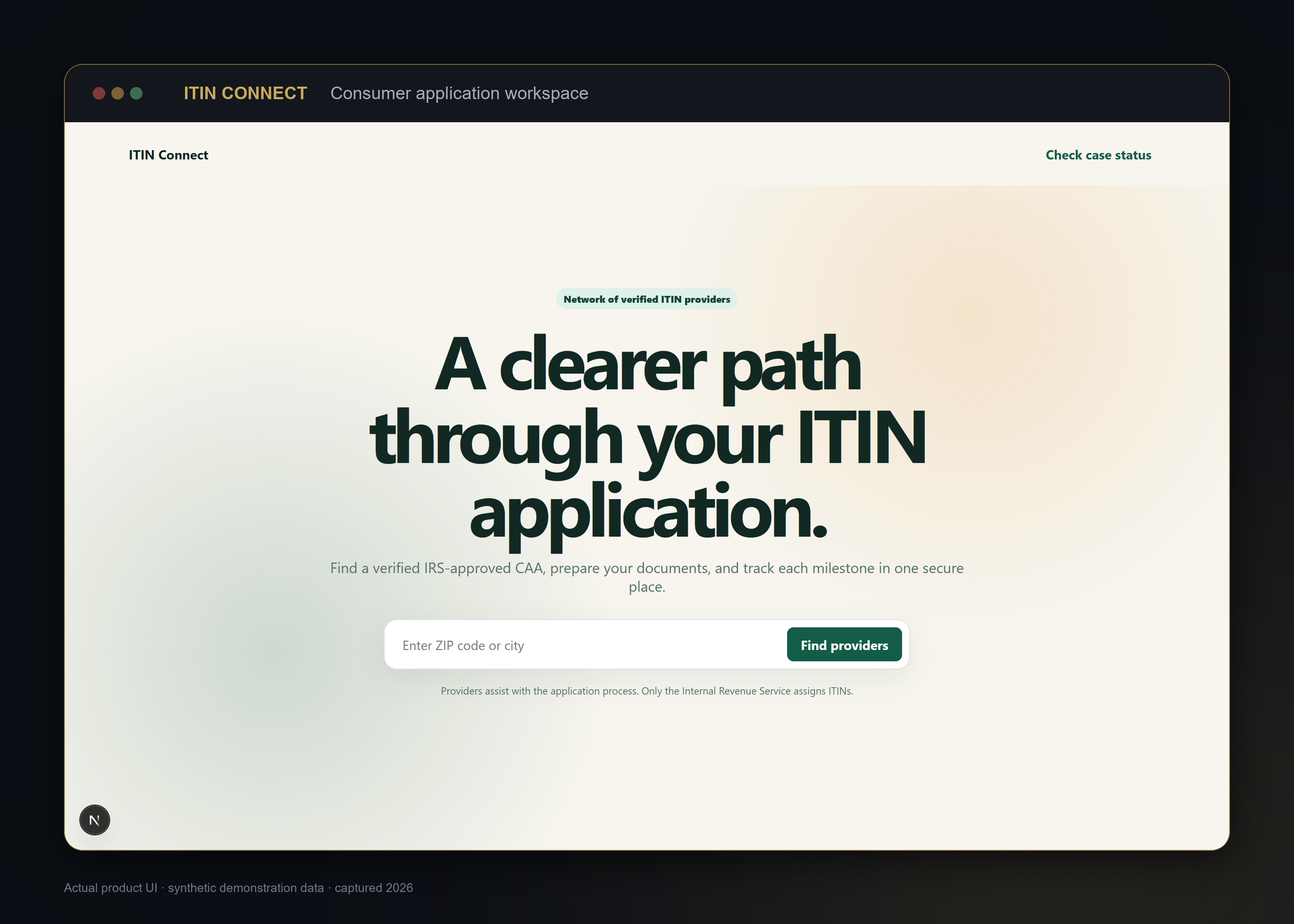
ITIN Connect keeps the application steps, document status and next action in one place. It also helps users find a participating provider.
How it works
ITIN Connect adjusts the checklist to the application type and document status. It shows the next step, tracks missing items and helps users find a participating provider. Only the IRS can issue an ITIN.
The application type and document status determine which action appears next.
Items are marked present, missing, incomplete or waiting for action.
Providers can assist with the process. Only the IRS can assign an ITIN.
One important limit: The software helps organize and check the work. It does not make an answer correct on its own. Sources, open issues and approval status stay visible.
See which steps apply to the application.
Know what is ready, missing or waiting for action.
Keep application records in the product.
See each status change without losing the history.
Early Access
ITIN Connect shows the application steps, document status and next action in one place. It also helps users find a participating provider.