 Financial Connect TechnologiesStart the sandbox
 Products
Choose the part of the work you want to improve.
This is the full Financial Connect product list. Each card shows whether you can try it in the sandbox, request access or follow its development.
Substantiq Accounting
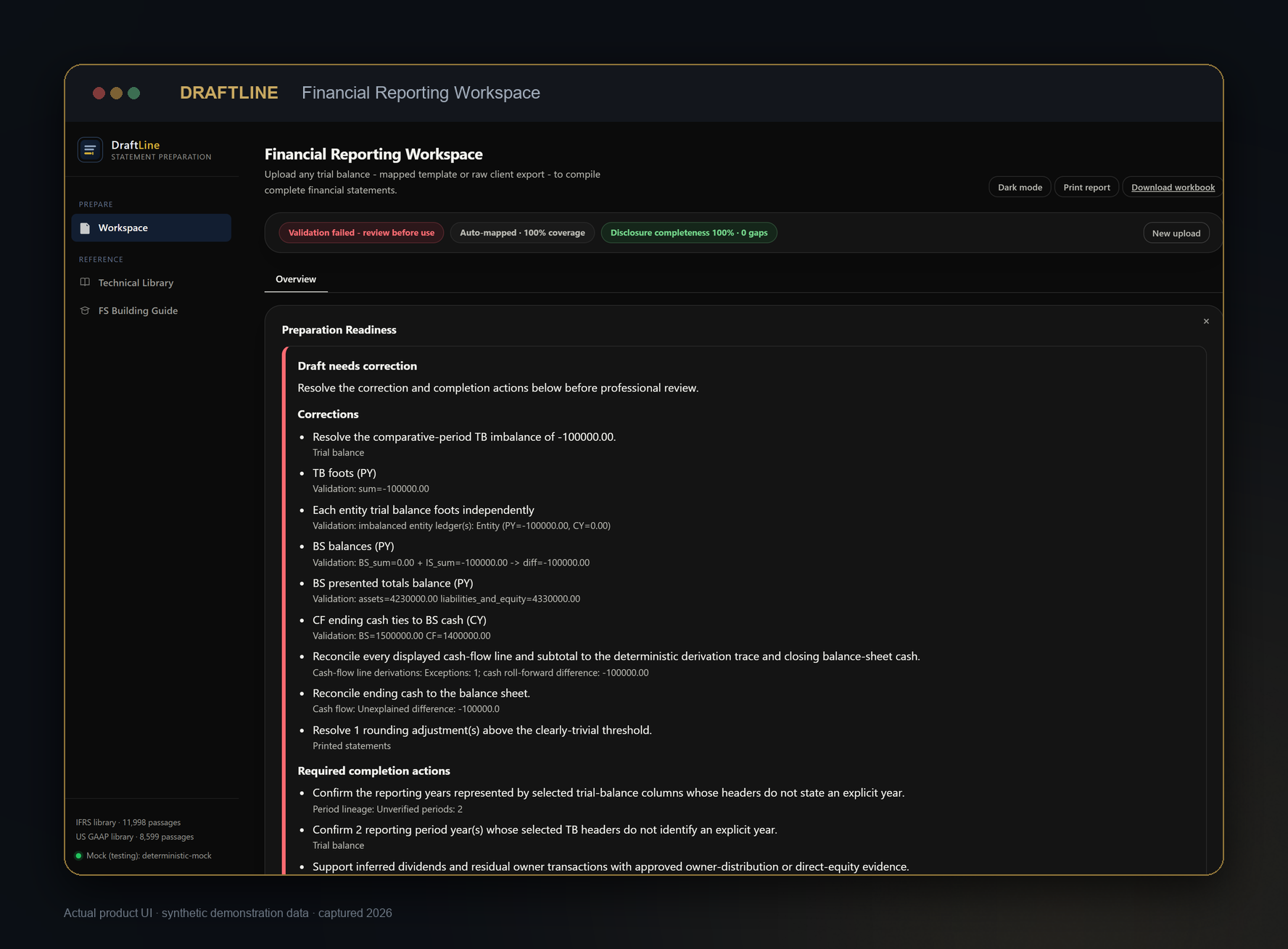
DraftLine
Turn source records into financial statements you can check.
DraftLine maps source balances to financial statement lines. It shows where each figure came from and stops when the statements do not reconcile.
- Source-to-line mapping
- Fail-closed validation
- Cash-flow reconciliation
Substantiq Accounting
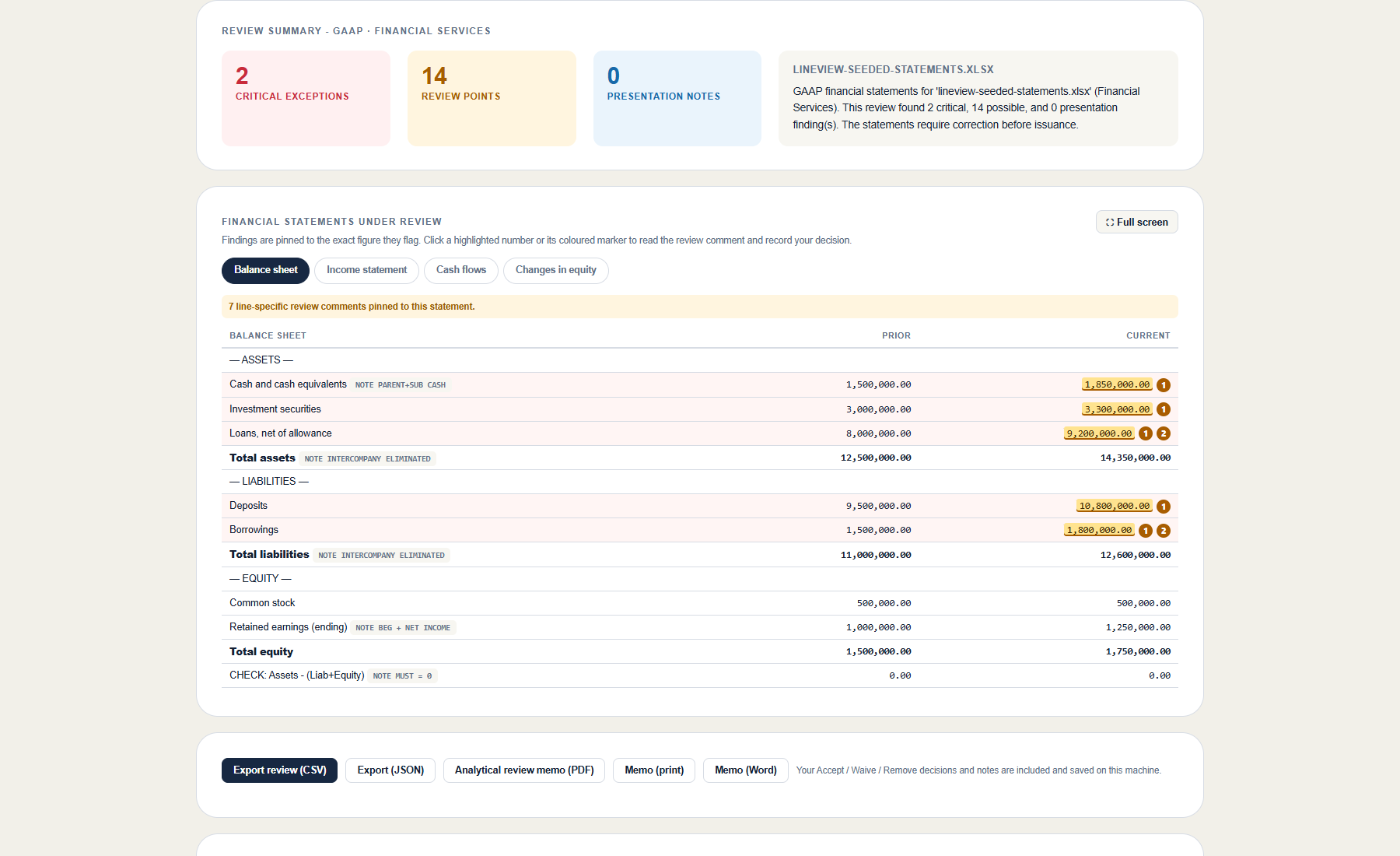
LineView
Review the statements without starting from scratch.
LineView reviews a prepared statement set and shows the important findings first. Each finding points to the figure, reason and source record.
- Severity-first findings
- Exact-figure review
- Articulation checks
Substantiq Accounting
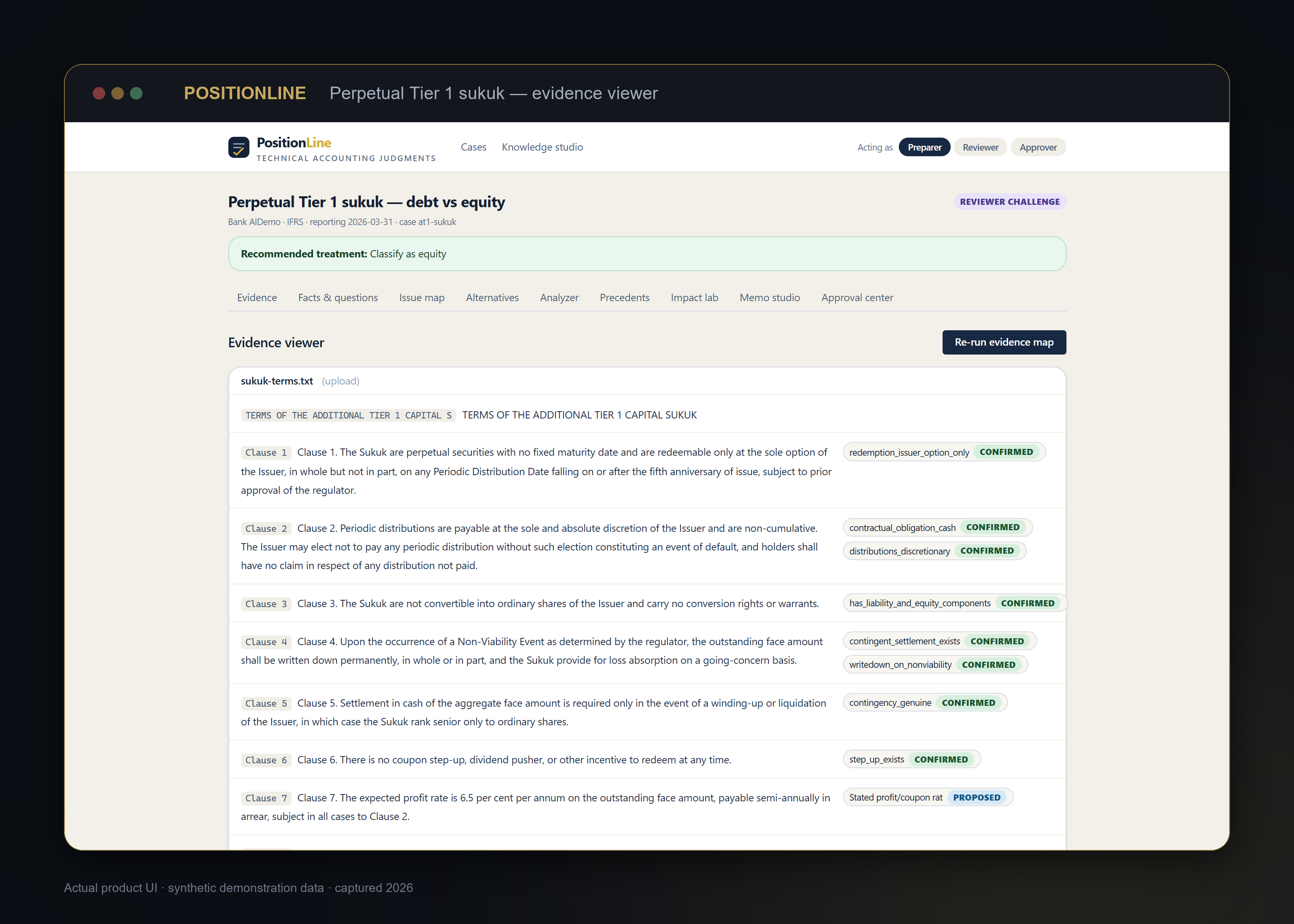
PositionLine
Build an accounting position from the contract up.
PositionLine pulls relevant clauses into one place, links them to accounting requirements and keeps reviewer questions beside the conclusion.
- Clause extraction
- Evidence-to-conclusion linkage
- Issue structure
Substantiq Accounting
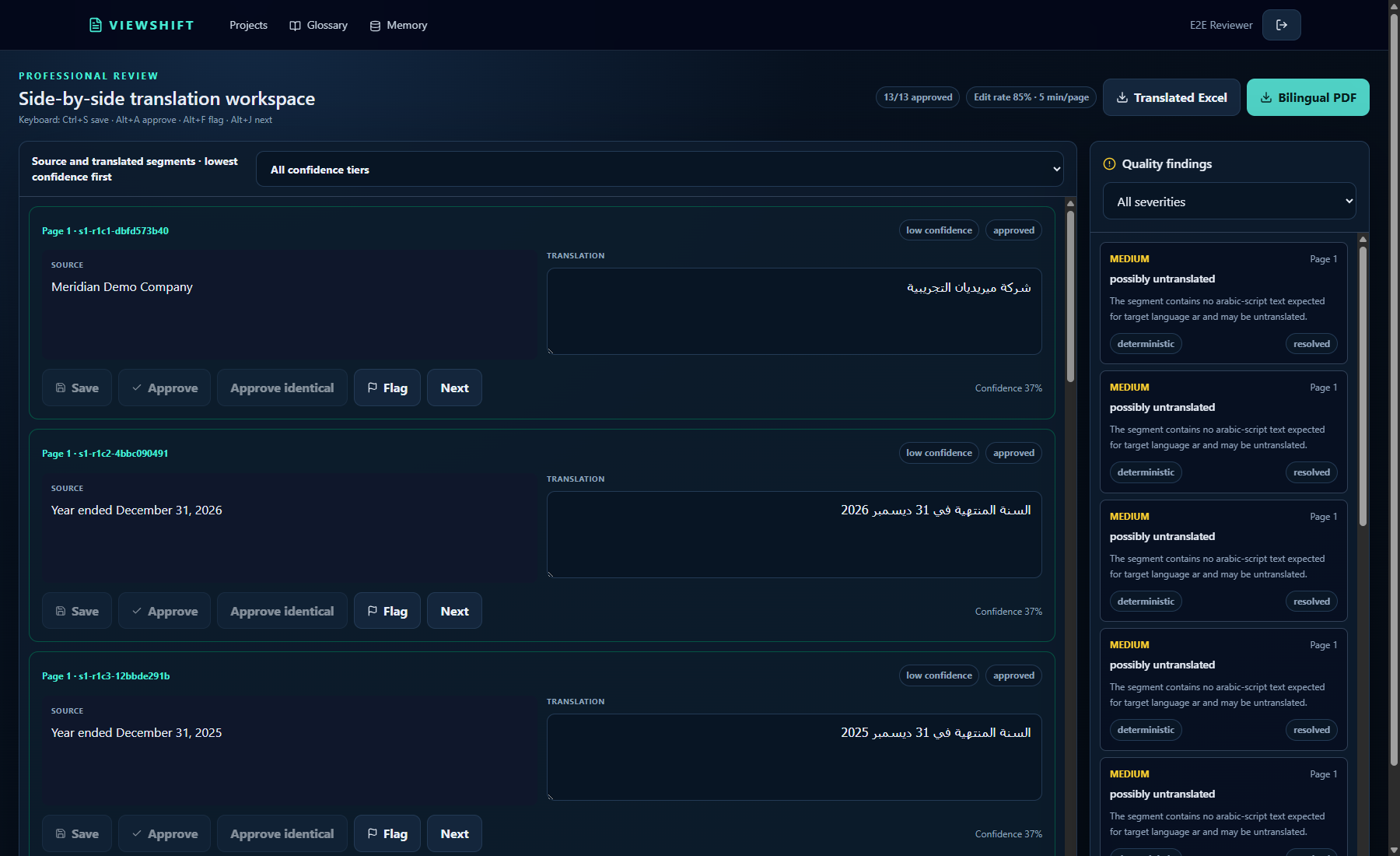
ViewShift
Keep the financial meaning intact in another language.
ViewShift places source and translated text side by side. It checks terms, numbers and missing text while a bilingual reviewer keeps final control.
- Side-by-side review
- Controlled terminology
- Recorded approvals
Substantiq Accounting
Controls
See how each assertion is covered.
Controls is in development. It will link assertions to risks, controls, tests, exceptions and supporting evidence.
- Assertion-to-risk linkage
- Control ownership
- Testing workflow
Substantiq Tax
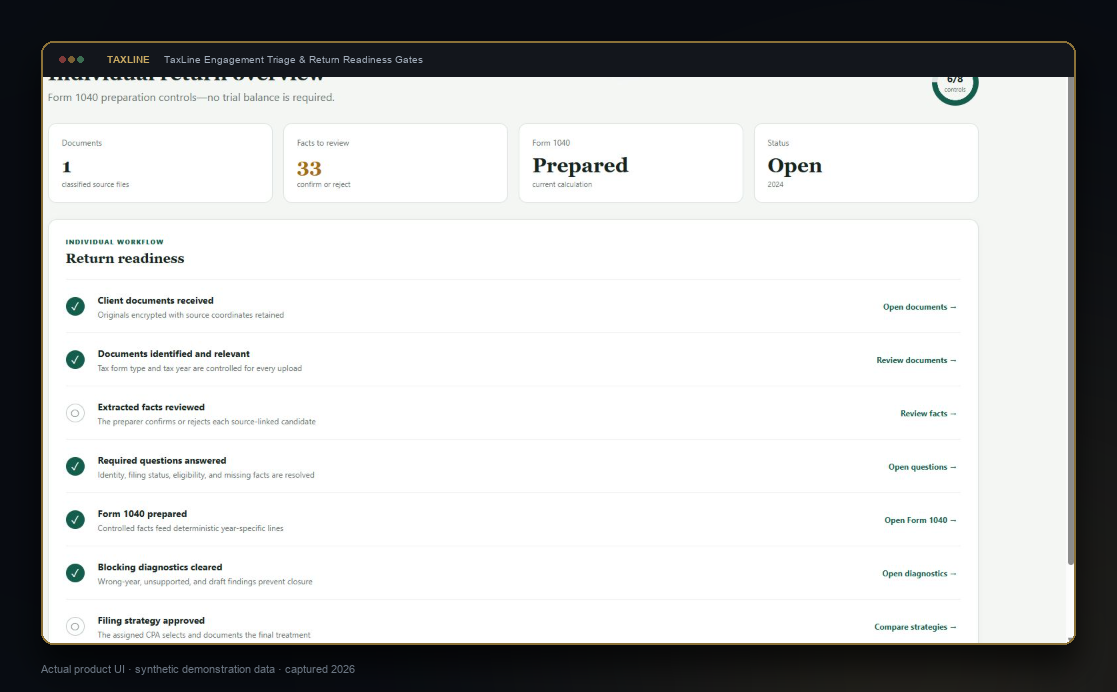
TaxLine
Keep every return line tied to a confirmed fact.
TaxLine turns tax documents into a reviewed fact set. Confirmed facts flow into the calculation and remain linked to the source document.
- Fact provenance
- Year-specific logic
- Source-linked return lines
Substantiq Tax
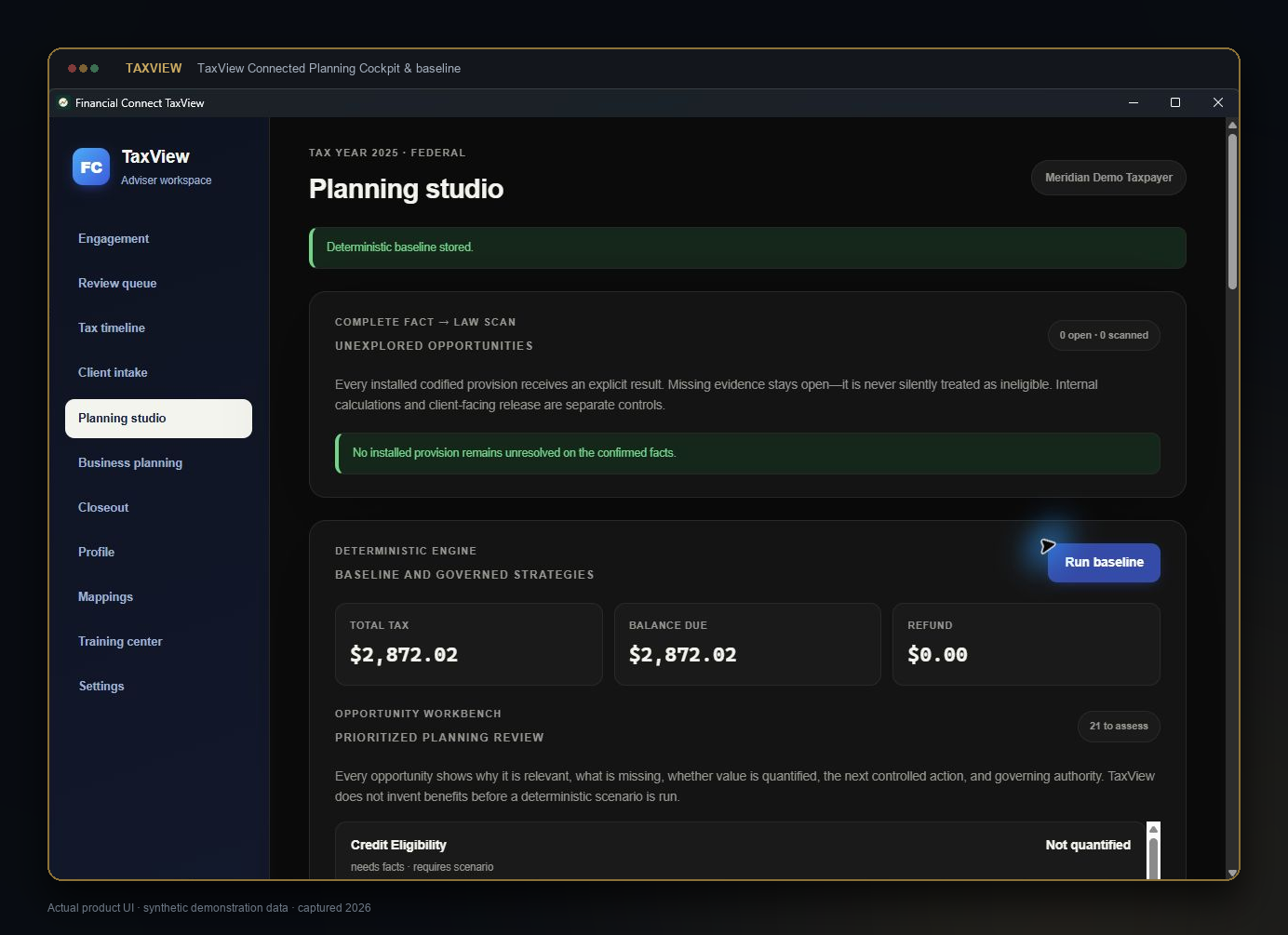
TaxView
Compare tax planning ideas against a solid baseline.
TaxView starts with confirmed facts and a current-law calculation. It then compares planning ideas without mixing them into the baseline.
- Confirmed facts
- Deterministic baseline
- Scenario comparison
ITIN Connect
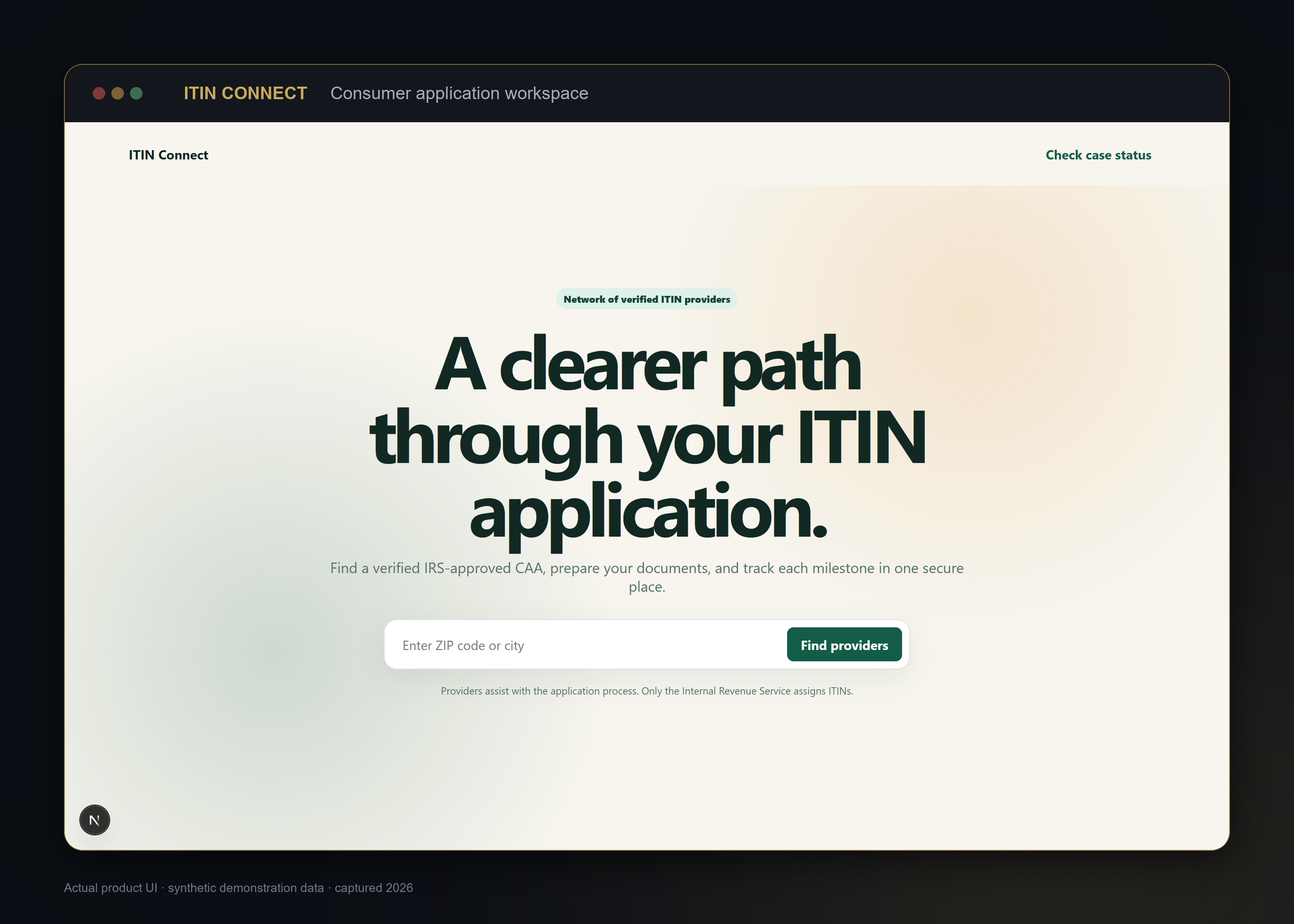
ITIN Connect
Know what is needed and what happens next.
ITIN Connect shows the application steps, document status and next action in one place. It also helps users find a participating provider.
- Guided workflow
- Document status
- Secure exchange